Table of Contents
Requirements
- 7zip or any other similar software;
- Apache Spark 3.0.1 (or latest version);
- Windows Subsystem Linux [WSL] (I strongly recommend using version 1, because WSL2 is incompatible with Spark);
- Latest Java Development Kit (JDK) version;
- Maven.
Installation
JDK
Install JDK following my other guide’s section under Linux, here.
Maven
Install maven with your OS’ package manger, I have Ubuntu so I use sudo apt install maven.
WSL
Install WSL1 following these steps.
Apache Spark
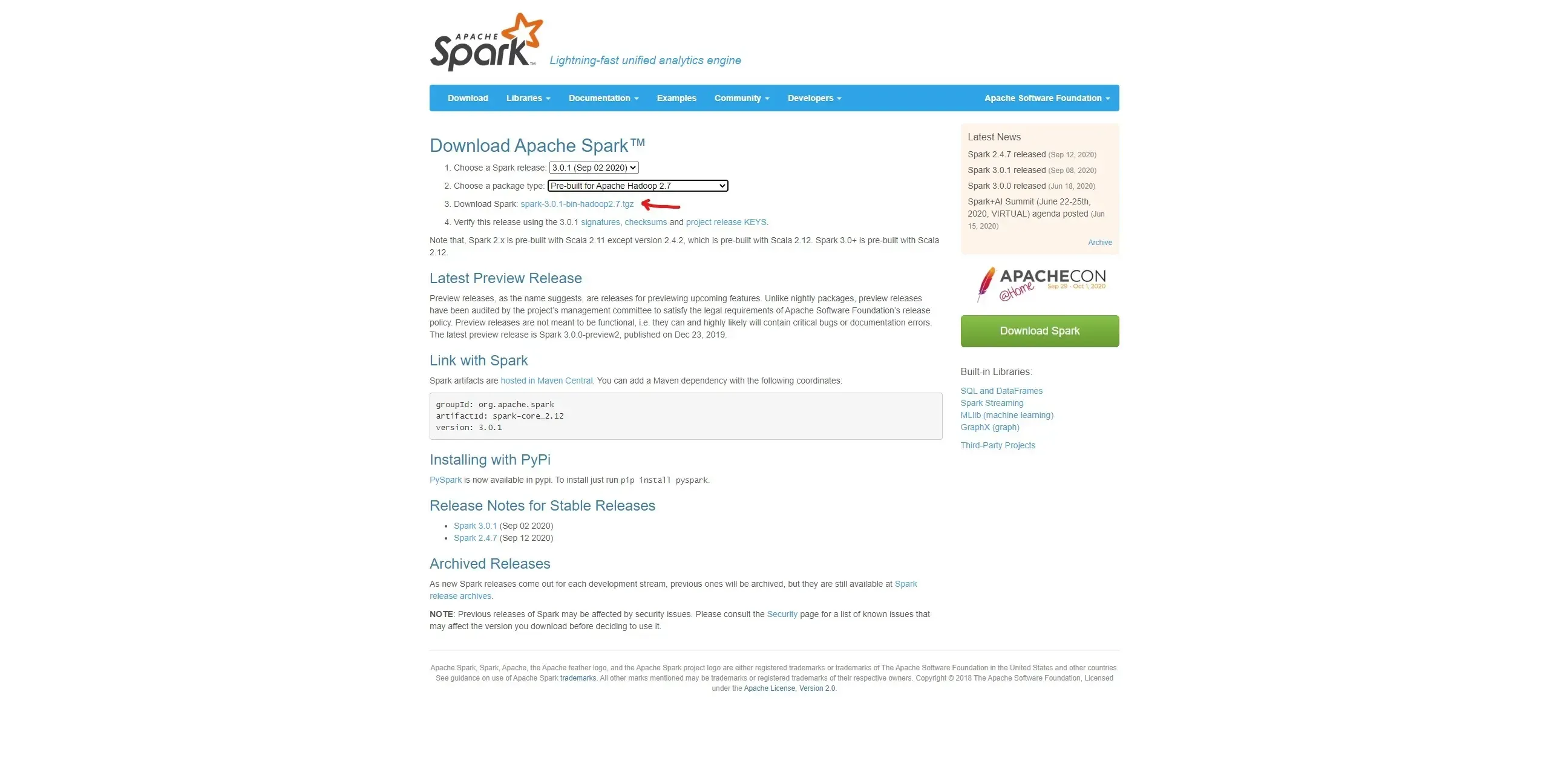
Download Apache-Spark here and choose your desired version.

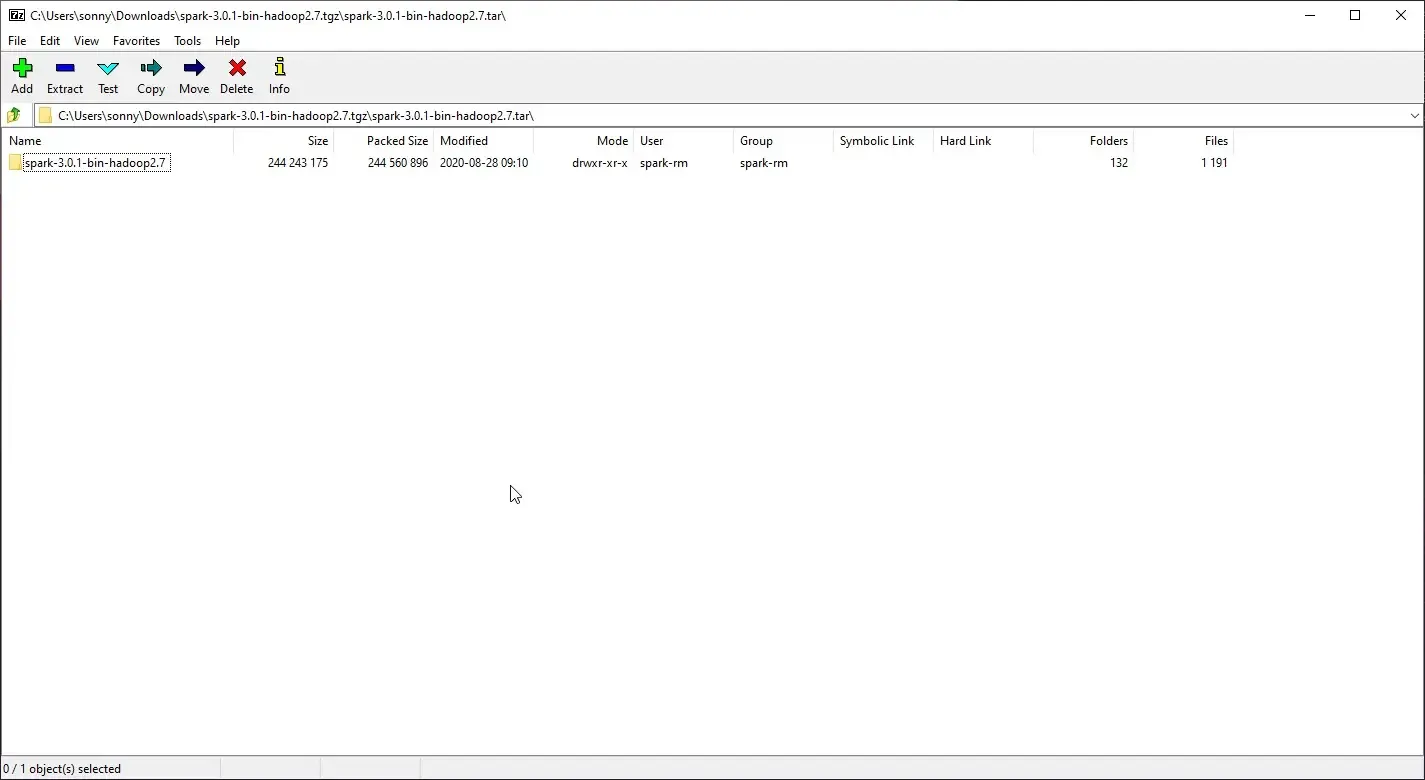
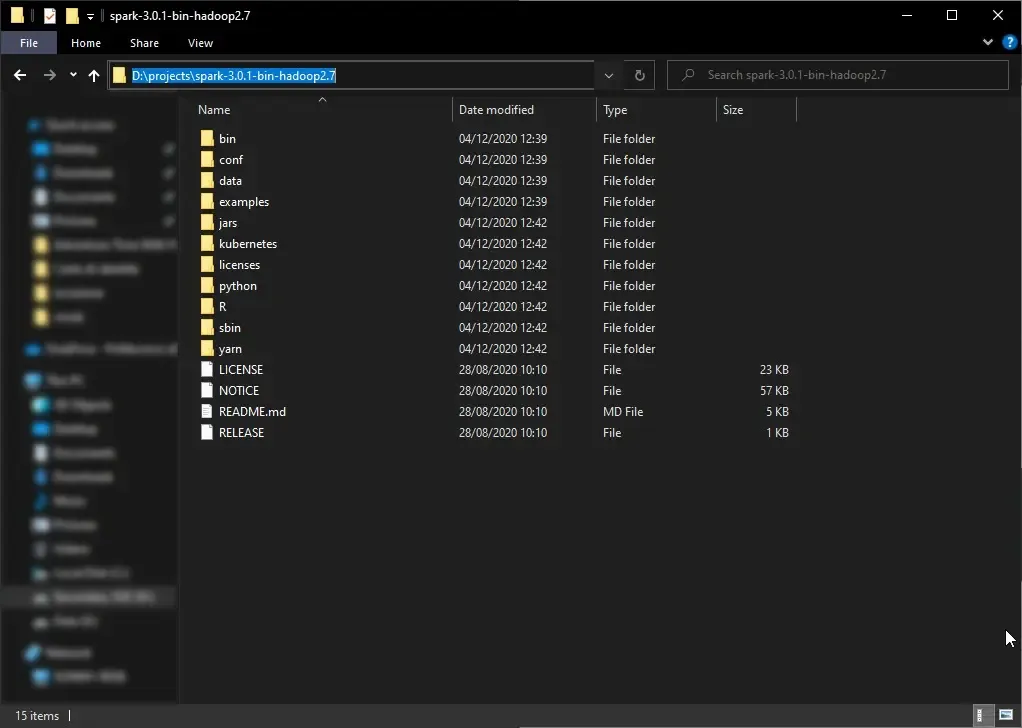
Extract the folder whenever you want, I suggest placing into a WSL folder or a Windows folder ** CONTAINING NO SPACES INTO THE PATH** (see the image below).
Setup Apache Spark
Setup environment
Open WSL either by Start>wsl.exe or using your desired terminal.
Type:
export SPARK_LOCAL_IP=127.0.0.1

export SPARK_MASTER_HOST=127.0.0.1
These commands are valid only for the current session, meaning as soon as you close the terminal
they will be discarded; in order to save these commands for every WSL session you need to append
them to ~/.bashrc.
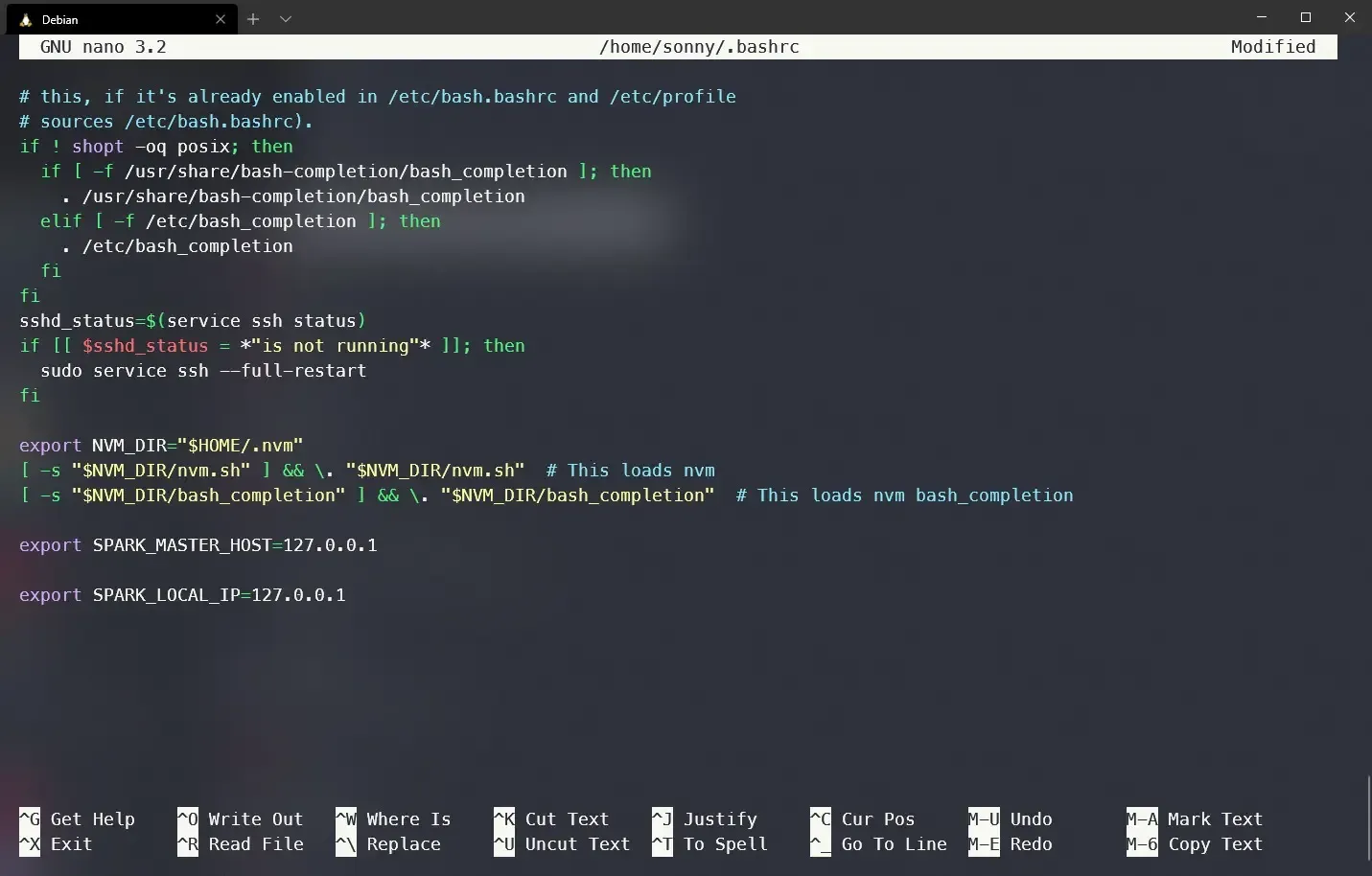
Setup config Apache Spark
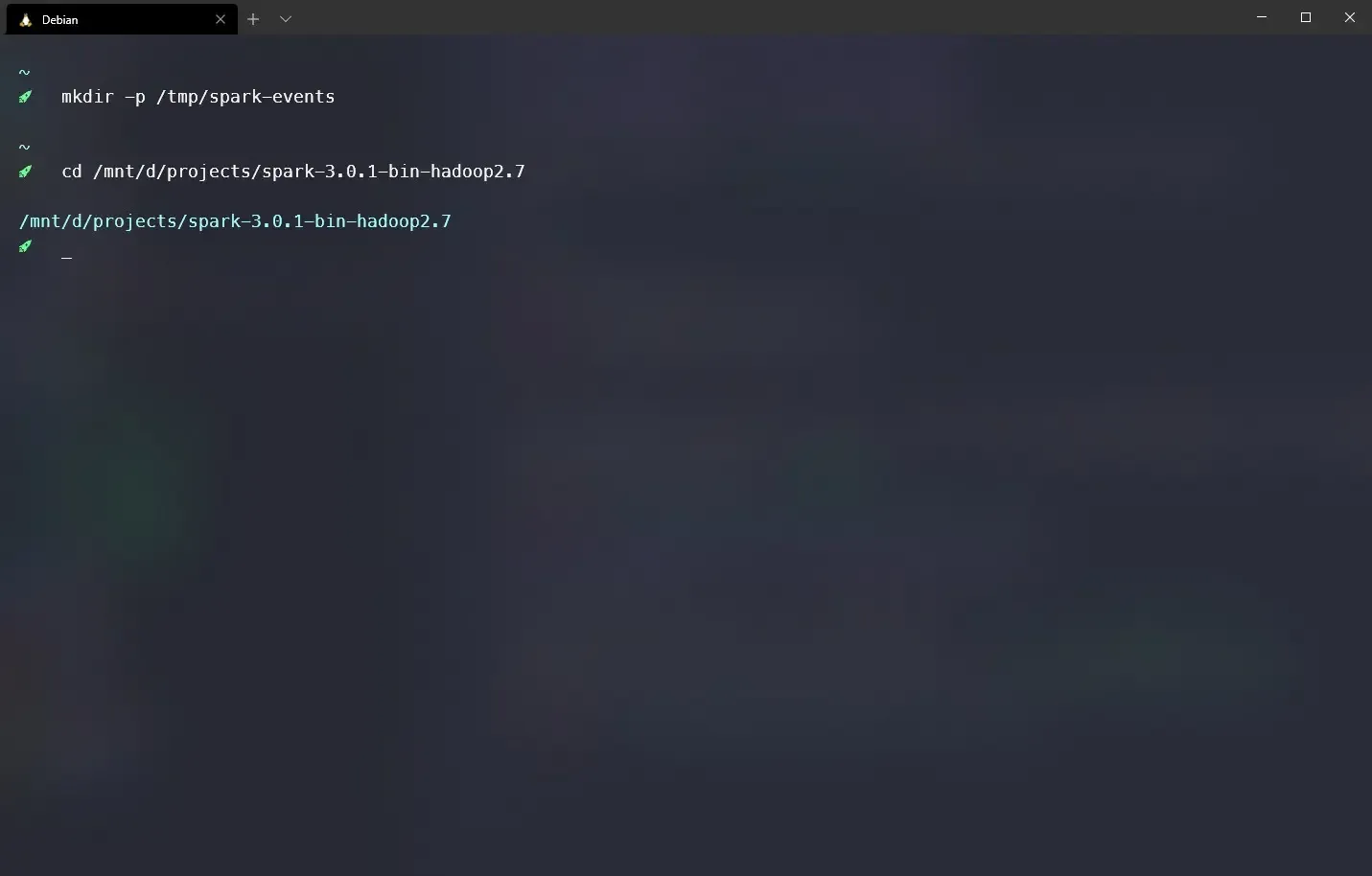
Create a tmp log folder for Spark with mkdir -p /tmp/spark-events.
Navigate to the Apache Spark’s folder with cd /path/to/spark/folder.
Edit conf/spark-defaults.conf file with the following configuration:
#
# Licensed to the Apache Software Foundation (ASF) under one or more
# contributor license agreements.  See the NOTICE file distributed with
# this work for additional information regarding copyright ownership.
# The ASF licenses this file to You under the Apache License, Version 2.0
# (the "License"); you may not use this file except in compliance with
# the License.  You may obtain a copy of the License at
#
#    http://www.apache.org/licenses/LICENSE-2.0
#
# Unless required by applicable law or agreed to in writing, software
# distributed under the License is distributed on an "AS IS" BASIS,
# WITHOUT WARRANTIES OR CONDITIONS OF ANY KIND, either express or implied.
# See the License for the specific language governing permissions and
# limitations under the License.
#

# Default system properties included when running spark-submit.
# This is useful for setting default environmental settings.

# Example:
 spark.master                     spark://127.0.0.1:7077
 spark.eventLog.enabled           true
 spark.eventLog.dir               /tmp/spark-events
# spark.serializer                 org.apache.spark.serializer.KryoSerializer
# spark.driver.memory              5g
# spark.executor.extraJavaOptions  -XX:+PrintGCDetails -Dkey=value -Dnumbers="one two three"
Run Apache Spark
Start Master
Start the master from your Spark’s folder with ./sbin/start-master.sh.
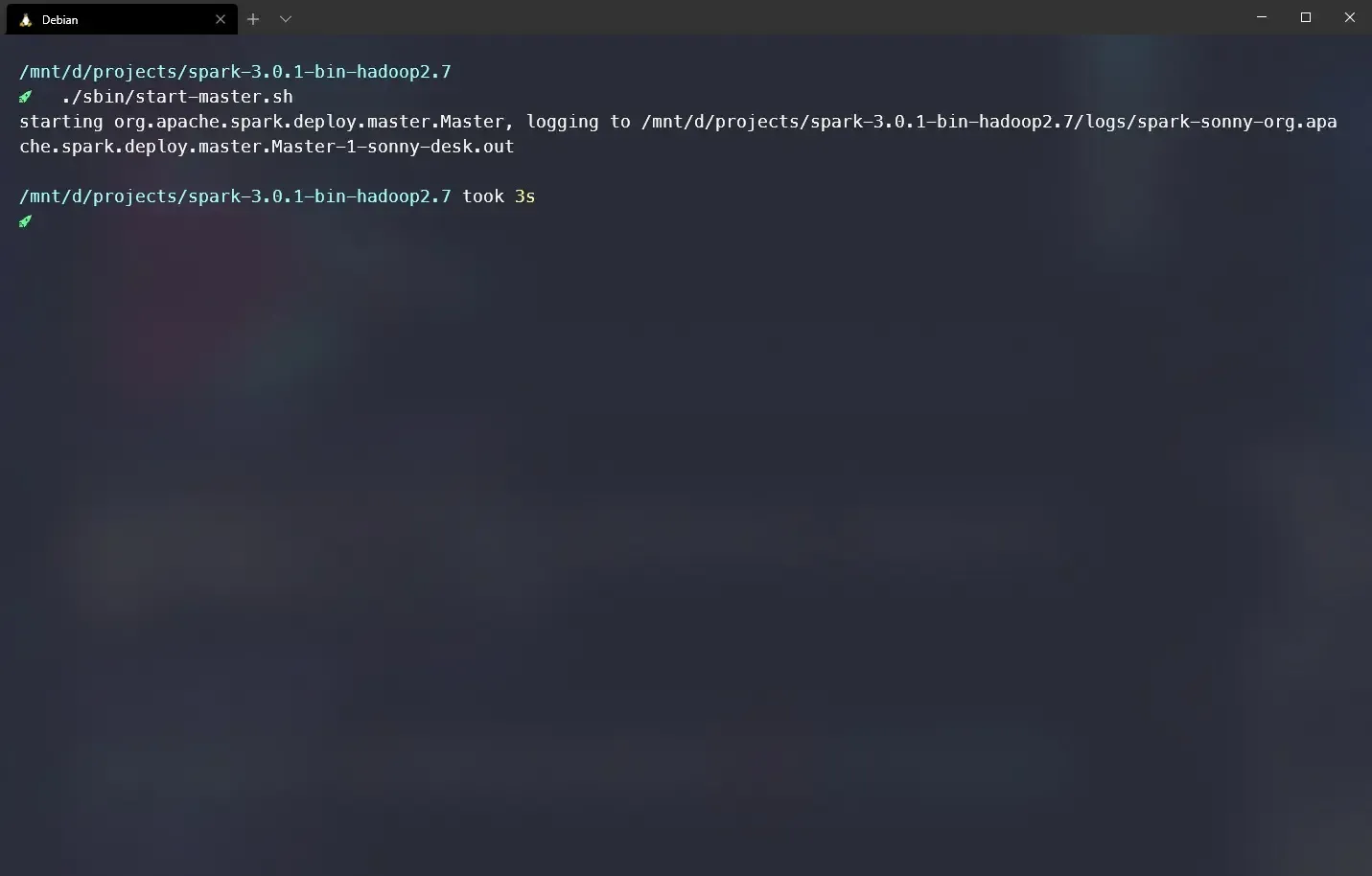
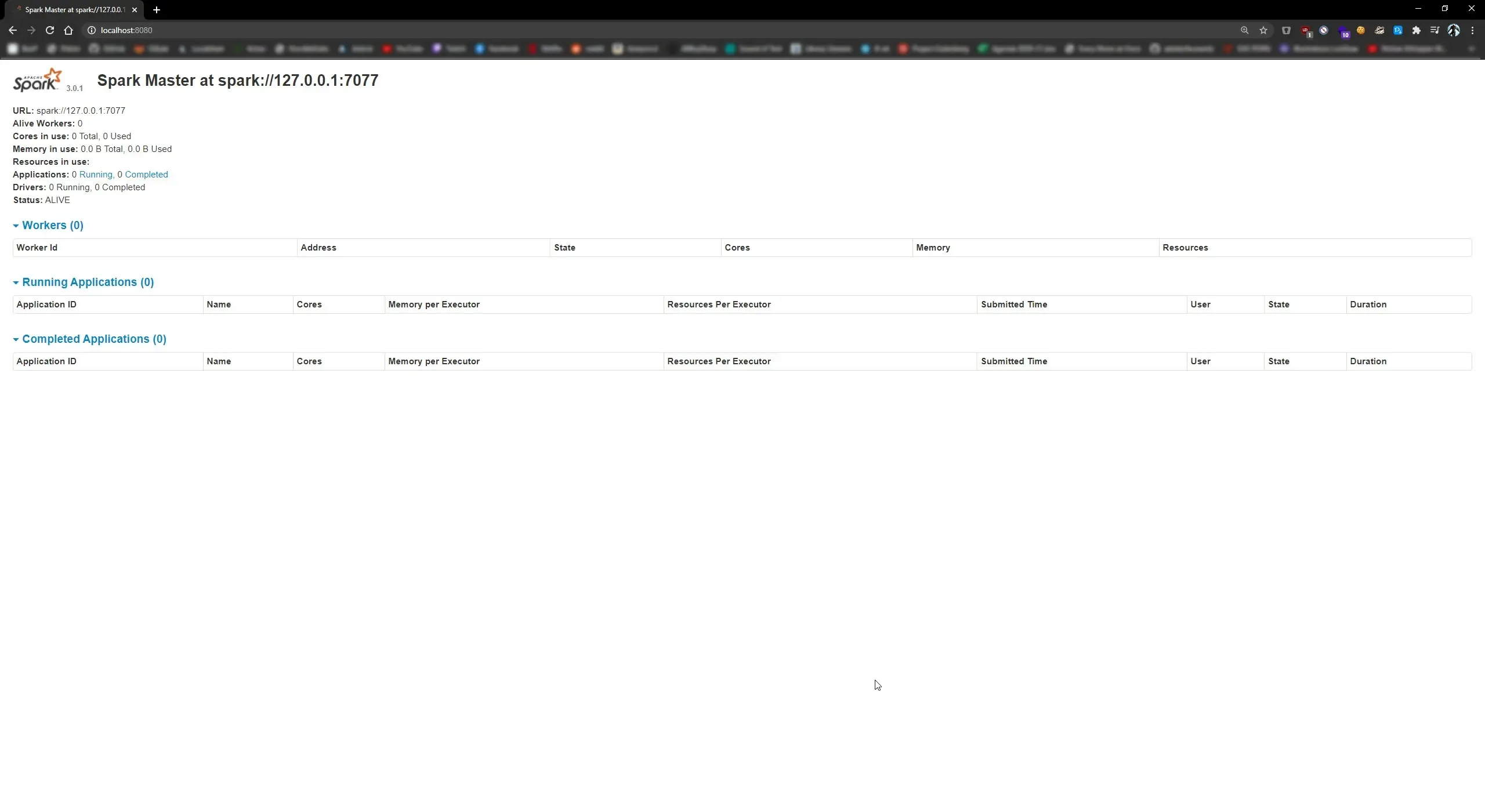
Check if there were no errors by opening your browser and going to https://localhost:8080, you should see this:
Start Slave
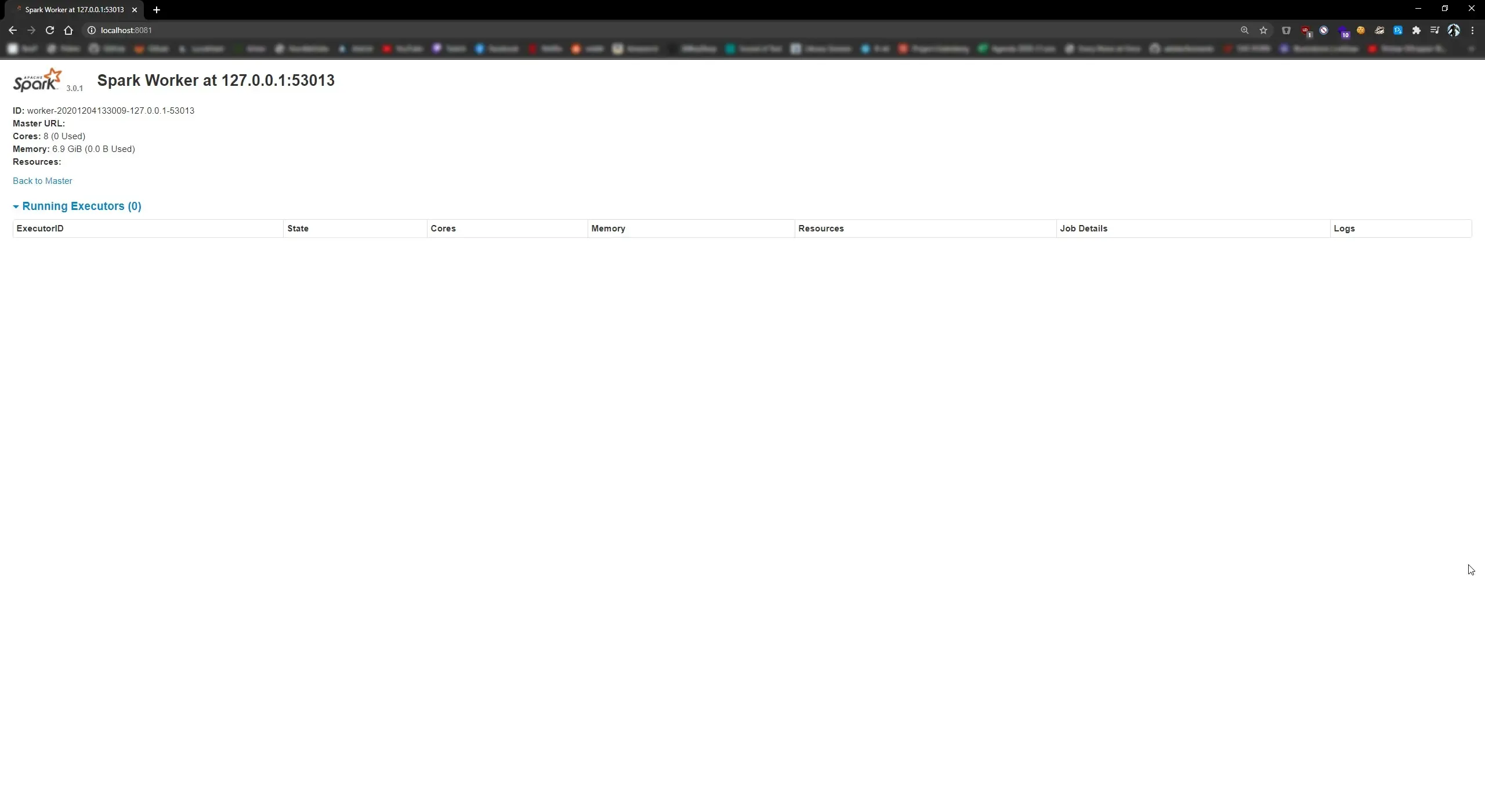
Start the slave from your Spark’s folder with ./sbin/start-slave.sh.
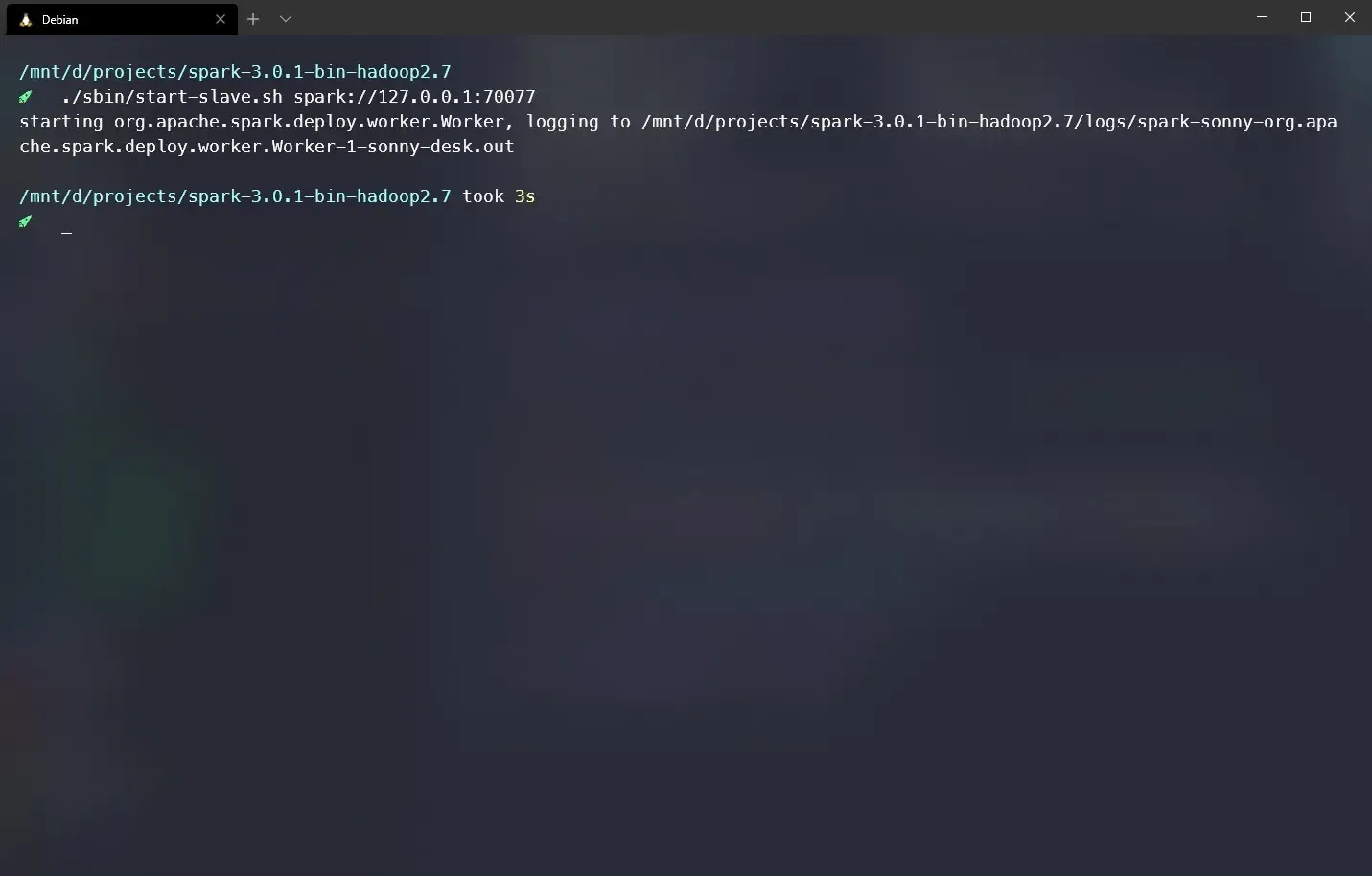
Check if there were no errors by opening your browser and going to https://localhost:8080, you should see this:
Submit
Build artifact for an Apache Spark prject using mvn package.
Submit an executor
using ./bin/spark-submit --class [classhpath] [artifact-path] spark://127.0.0.1:7077,
replace classpath and artifact
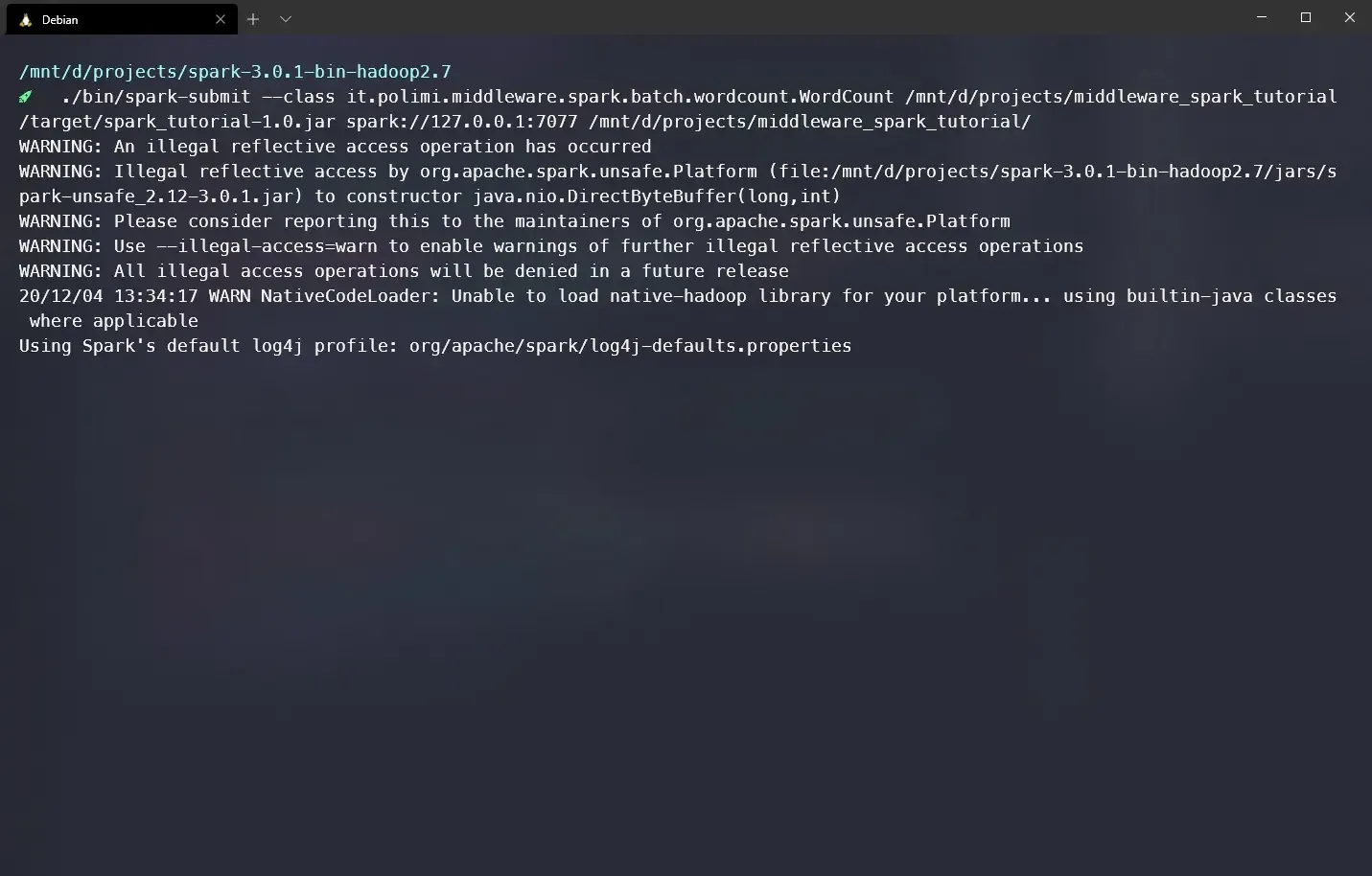
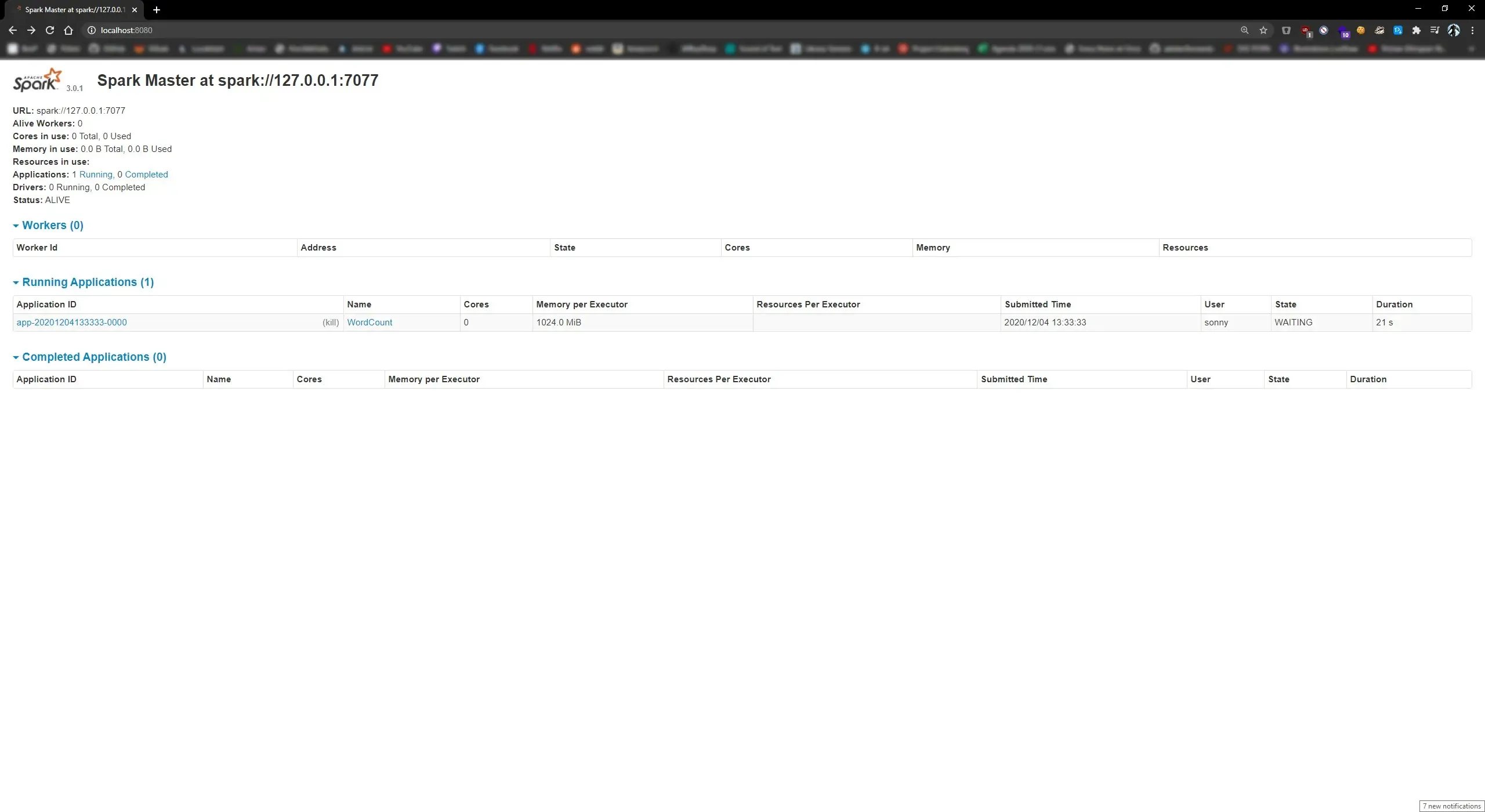
If everything is set correctly you will see under Running Applications your class running: